Tips
Send yourself fewer messages.
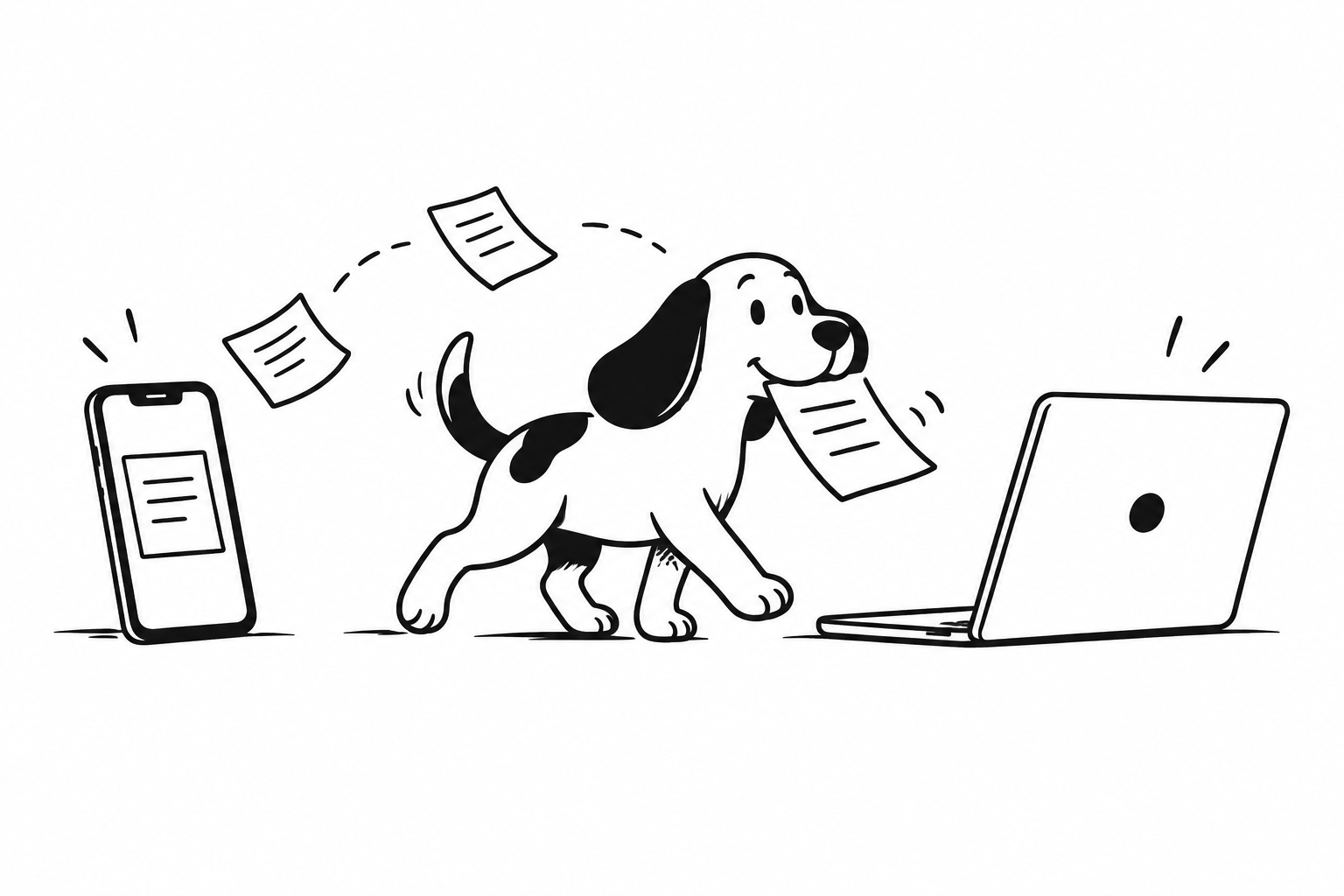
Have you opened a messenger, sent yourself a link, then found the conversation again on your phone? Try shortening those steps with Clipdoggy.
Update Clipdoggy on Mac and Android to 1.1.0 or later and sign in with the same Google account on both. Both devices need internet access, but they do not need to share a Wi-Fi network.
With Clipdoggy running on your Mac, copy an address from your browser. Find the received link in your Android Clipdoggy history and tap it to view the full text. Copy it from the preview, then paste it into your phone browser’s address bar to open it.
If the link does not appear, check the account and internet connection on both devices. Version 1.1.0 uses cloud sync, so there is no Bluetooth pairing to repeat. Start with one short link and check that it arrives in the other device’s history.